

Photo enlarger: 2× or 4× bigger, ready to print

This photo enlarger makes a picture two or four times bigger on each side with AI, so a phone snap or an old scan has the pixels for a larger print. Press 2× or 4×, or pick the paper size you want and let the tool work out the factor. The result keeps edges crisp instead of turning into blocky pixels, and you can download it as JPG, PNG or a print-ready PDF with the DPI already written in.

Last updated:

Enlarge by

DPI

300 for photo prints, 240 for canvas, 200 for big posters.

Enlarges the whole picture 2× in each direction, with the DPI you pick written into the file.

Sign up free, get 13 credits

A small print costs 13 credits. Failed jobs are refunded. Only need to change the DPI? Use the free 300 DPI converter

Real prints

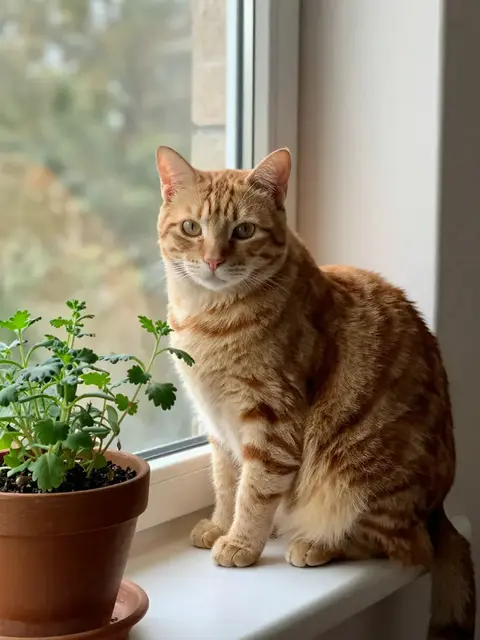
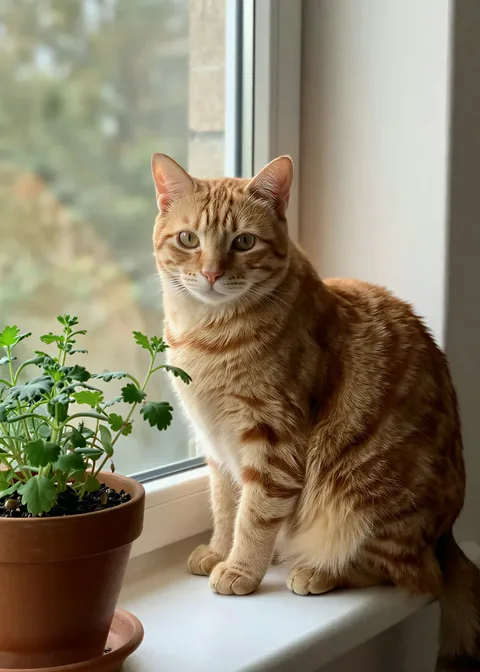
Ginger tabby cat sitting on a sunny windowsill beside a pot of herbs
5×7 in300 DPISharp at this size

826 × 1102 px → 1500 × 2100 px

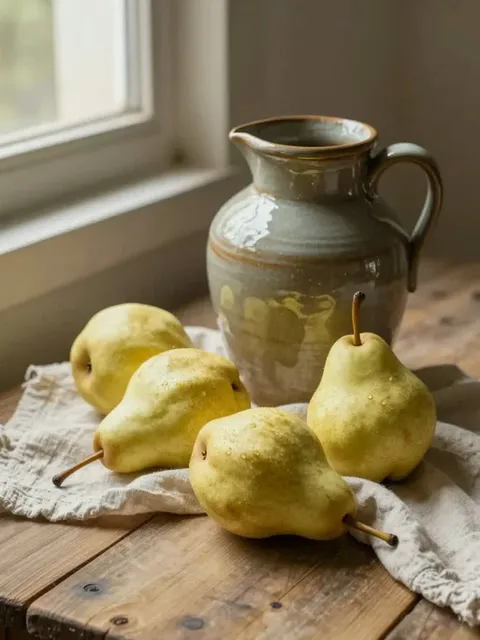
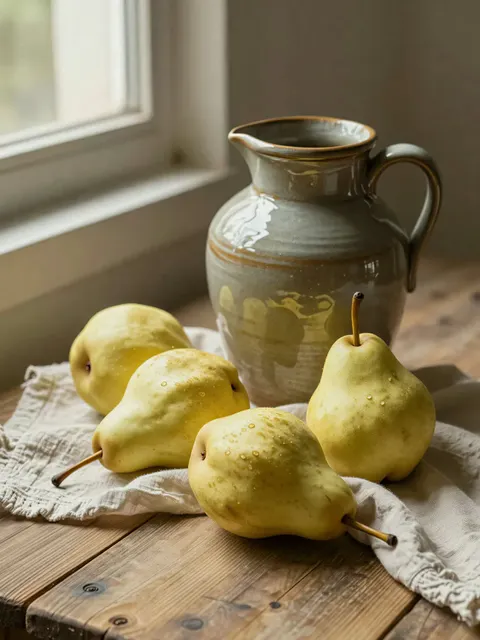
Still life of yellow pears, a glazed ceramic jug and a linen cloth on a wooden table
2×300 DPISharp at this size

578 × 770 px → 1200 × 1600 px

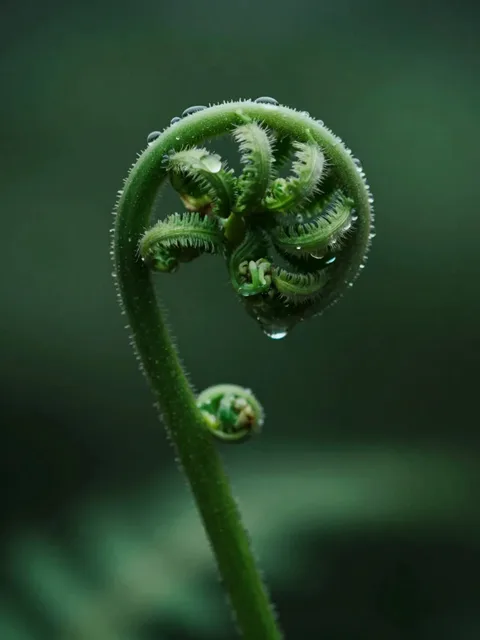
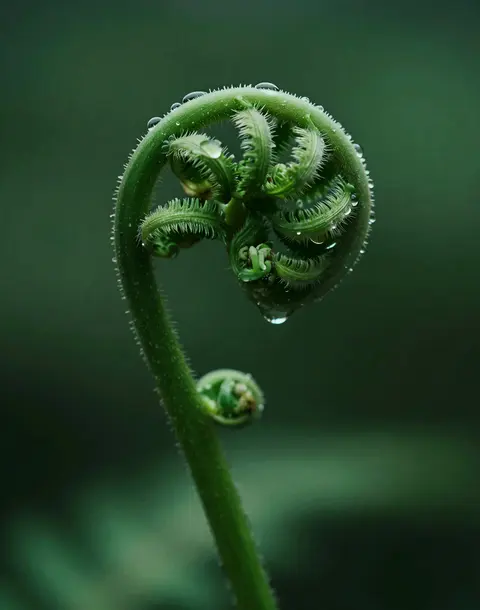
Close-up of a young fern frond unfurling, with dew drops on a deep green background
11×14 in150 DPISharp at this size

832 × 1110 px → 1650 × 2100 px

Overhead view of a breakfast table with croissants, berries and two cups of coffee on white linen
2×300 DPISharp at this size

972 × 728 px → 2000 × 1500 px

Good for

  • Small photos from a phone, a chat app or a social site
  • Old scans that print too small at their real size
  • Product photos that need to fill a bigger page or banner
  • A quick bigger copy when you do not know the print size yet

How to use it

  1. 1

    Add your photo

    Drop a JPG, PNG or WebP file up to 20 MB. The studio shows its pixel size straight away.

  2. 2

    Pick 2×, 4× or a paper size

    Press 2× or 4× for a plain enlargement, or switch to print size and choose 4×6 in up to 24×36 in, A6 up to A1, or your own size. The plan shows the exact pixels, a quality badge and the credits before you start.

  3. 3

    Enlarge and download

    Start the job, compare before and after with the slider, then download the print file in JPG, PNG or PDF.

2× or 4×: which one to press

Both factors work on the whole image. 2× turns a 1000 × 1500 pixel photo into 2000 × 3000, which is an 8×10 in print at 300 DPI with room to crop. 4× turns it into 4000 × 6000, enough for a 16×20 in print at 300 DPI or a larger poster at 200 DPI. Bigger is not always better: if 2× already covers the print you want, 4× only makes a heavier file. Pick the paper size instead and the studio chooses the smallest factor that reaches it.

What the AI does, and what it cannot do

Stretching a photo in an ordinary editor spreads each pixel over a larger area, so edges go soft and blocky. An AI enlargement draws new pixels that follow the edges and textures it finds, so lines, hair and lettering stay sharp at the new size. It cannot bring back detail the camera never caught: a face that is ten pixels wide in the original will not become a portrait. The quality badge tells you how far you are asking it to go.

Files you can take to a printer

The print file is cut to the exact pixels of your paper size. Choose fill (crop to the paper) or fit (the whole picture with a white margin); the DPI is stored in the file so print software opens it at the right size. The PDF carries trim and bleed boxes and optional crop marks. If you only want the bigger picture, pick a plain 2× or 4×.

Pixels per print size

Pixels needed per paper size at 300, 240 and 200 DPI
Paper300 DPI240 DPI200 DPI
Photo prints
4×6 in1200 × 1800960 × 1440800 × 1200
5×7 in1500 × 21001200 × 16801000 × 1400
8×10 in2400 × 30001920 × 24001600 × 2000
8.5×11 in2550 × 33002040 × 26401700 × 2200
Frames and posters
11×14 in3300 × 42002640 × 33602200 × 2800
12×16 in3600 × 48002880 × 38402400 × 3200
16×20 in4800 × 60003840 × 48003200 × 4000
18×24 in5400 × 72004320 × 57603600 × 4800
20×30 in6000 × 90004800 × 72004000 × 6000
24×36 in7200 × 108005760 × 86404800 × 7200
A sizes
A61240 × 1748992 × 1398827 × 1165
A51748 × 24801398 × 19841165 × 1654
A42480 × 35081984 × 28061654 × 2339
A33508 × 49612806 × 39692339 × 3307
A24961 × 70163969 × 56133307 × 4677
A17016 × 99335613 × 79464677 × 6622

What it costs

A small print (up to 4.2 MP, such as 4×6 in at 300 DPI) costs 13 credits. A medium print (up to 16.8 MP, such as 8×10 or 11×14 in at 300 DPI) costs 24, and a poster (up to 67 MP) 71. When your photo already has the pixels, the print file is free. Credit packs start at $2.55. See plans and packs

Questions

How much bigger can I make a photo?

Up to 4× on each side, which is 16 times the pixel count, within 12,000 pixels on the longest side of the print file. For prints, the studio refuses a size that would need more than 8× stretch, because it would look soft.

Does enlarging change my photo?

It keeps the same picture, framing and colours. New pixels are drawn between the old ones; nothing is added or removed from the scene, and faces are not retouched.

Which formats can I upload?

JPG, PNG and WebP up to 20 MB, at least 64 pixels on each side. Downloads are JPG, PNG or PDF.

Is the enlarged photo private?

Yes. Only you can see your uploads and results, and they are deleted 30 days after the job. You can delete a job sooner from your history.